Maquet Flow-i
Connection Steps
- Attach a null modem adapter (M/F) to the DB-9 serial port on the lower right of the rear panel.
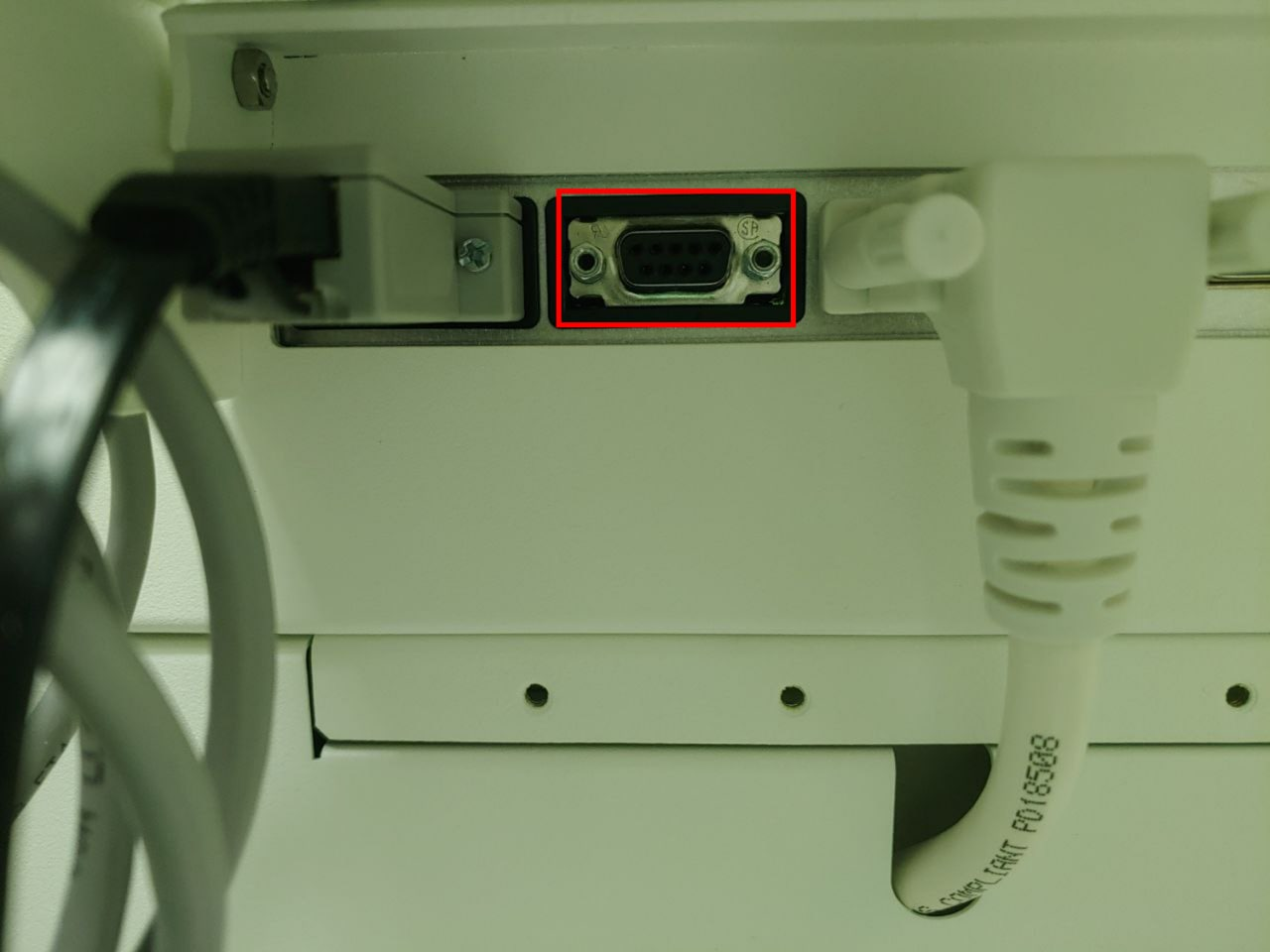 2. Connect a **direct serial cable** between the null modem adapter and the PC's USB-Serial converter.
Device Configuration
No changes to the machine settings are required.
Vital Recorder Setup
Add the device as Flow-i and select the PC serial port used for the connection.