IDMED TOFscan
| Cable | Adapter | Port | VR Device Name |
|---|---|---|---|
| TOF-RS1 Optic-Serial (RS232) cable (from IDMED) — DB-9F output | None | Optical output port on the device | TOFScan |
Connection Steps
- Obtain a TOF-RS1 cable from IDMED.
- Screw the cable's optical connector onto the optical output port on the device.
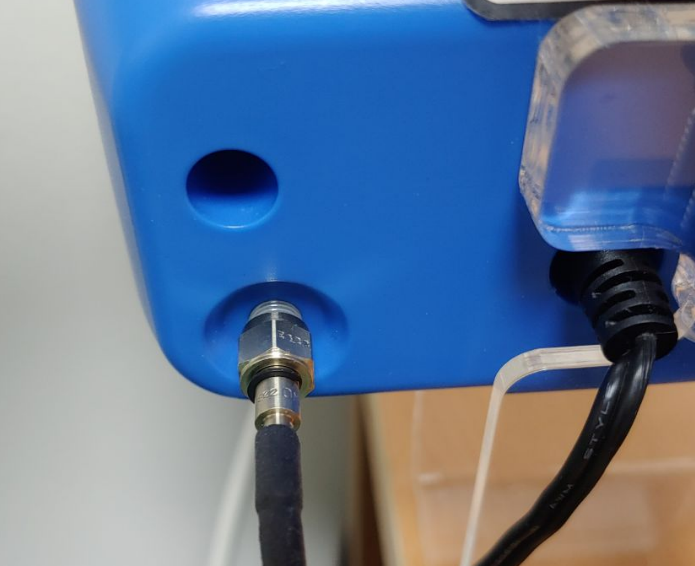
- Plug the cable's DB-9F end directly into a USB-Serial converter
- Connect the USB-Serial converter to the PC.
Device Configuration
No device-side configuration is required.
Vital Recorder Setup
- Add the device in Vital Recorder as
TOFScan.