Masimo Radical7
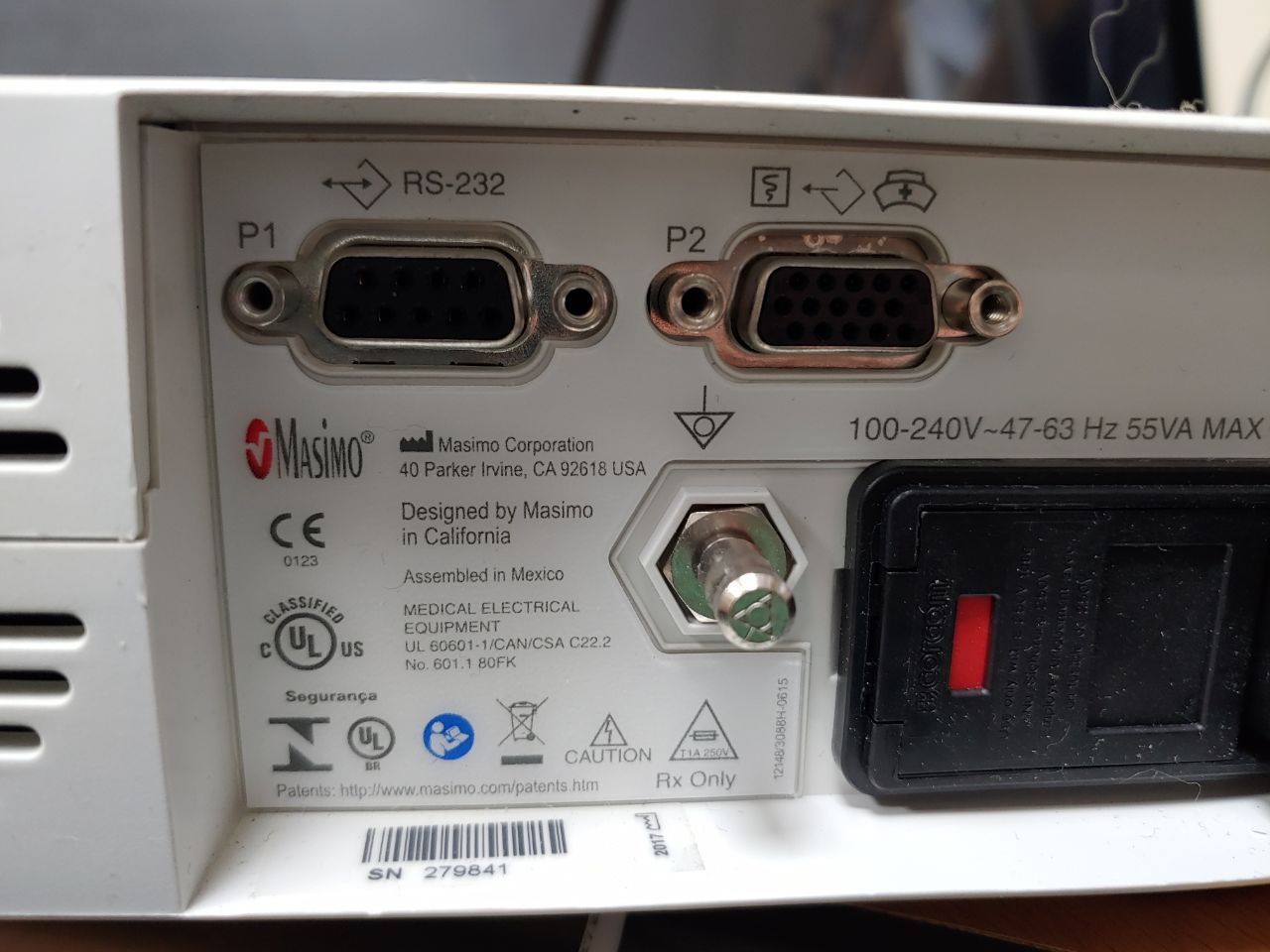
Note: Extracts real-time SpO₂, HR, PI, and digital waveforms via the P1 (RS-232) port on the rear of the Docking Station.
| Cable | Adapter | Port | Serial Output | Baud Rate | VR Device Name |
|---|---|---|---|---|---|
| Direct male serial (or USB-Serial directly) | None | P1 RS-232 — Docking Station | ASCII 1 | 9600 | Radical7 |
Connection Steps
- Connect a direct male serial cable to the P1 (RS-232) port on the rear of the Docking Station. If using a USB-Serial converter, it connects directly without a gender adapter.
- Connect the other end to the PC.
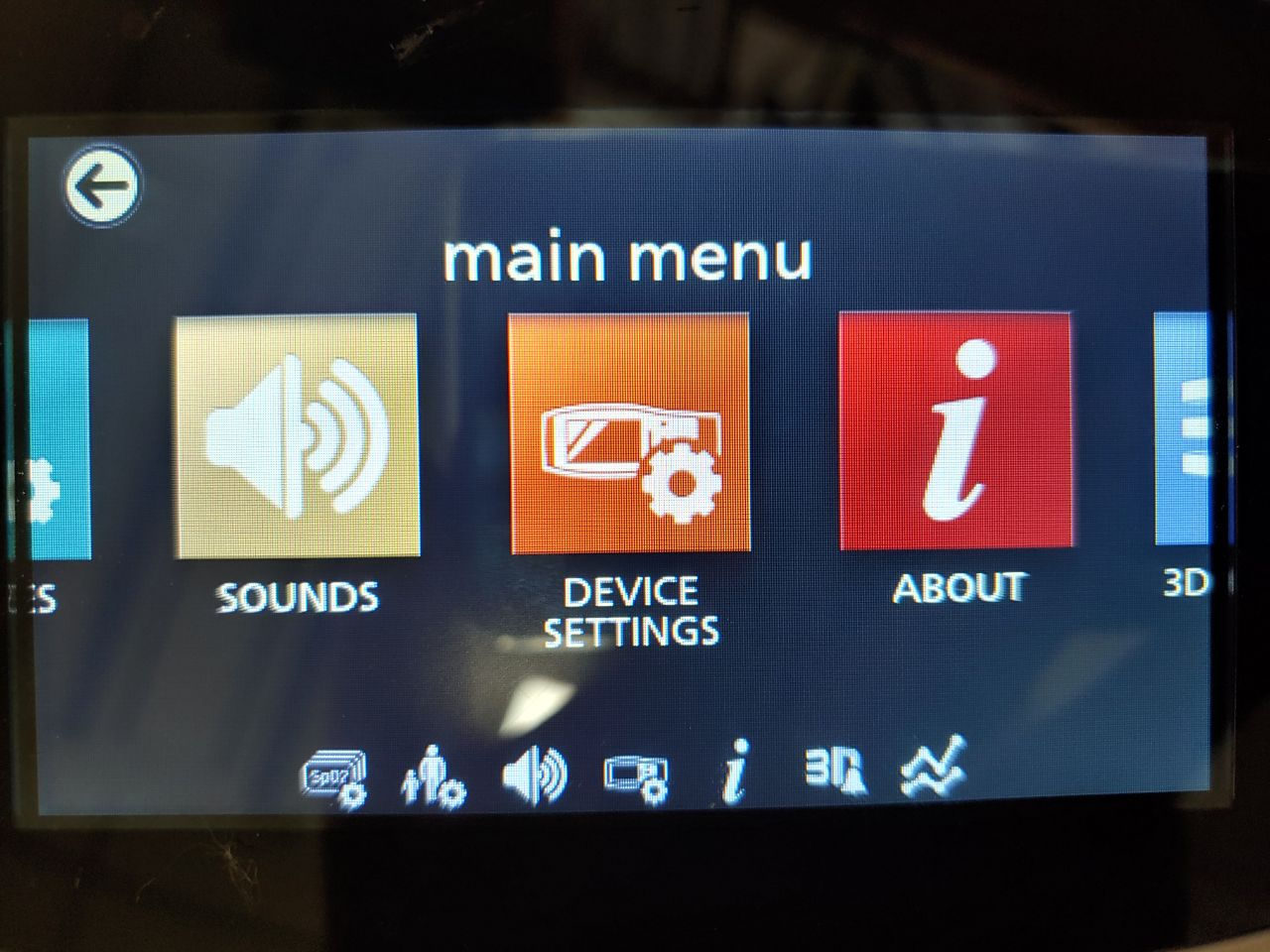
Device Configuration
- Navigate to Device Setup → Device Settings.
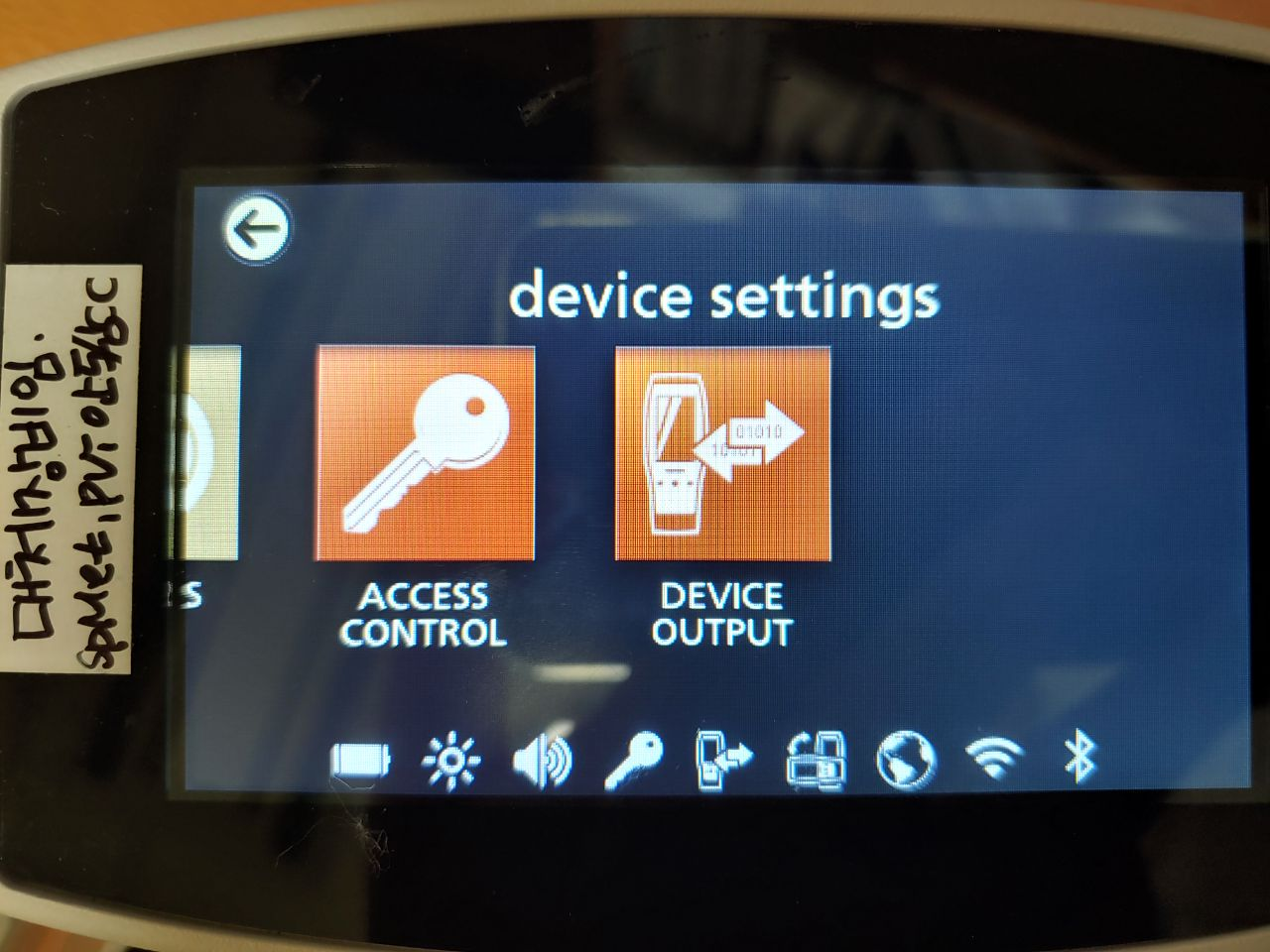
- Swipe right → Device Output.
- Set Serial → ASCII 1. Set Analog 1 and Analog 2 → Pleth.
- Swipe down → set Docking Station Baud Rate → 9600.