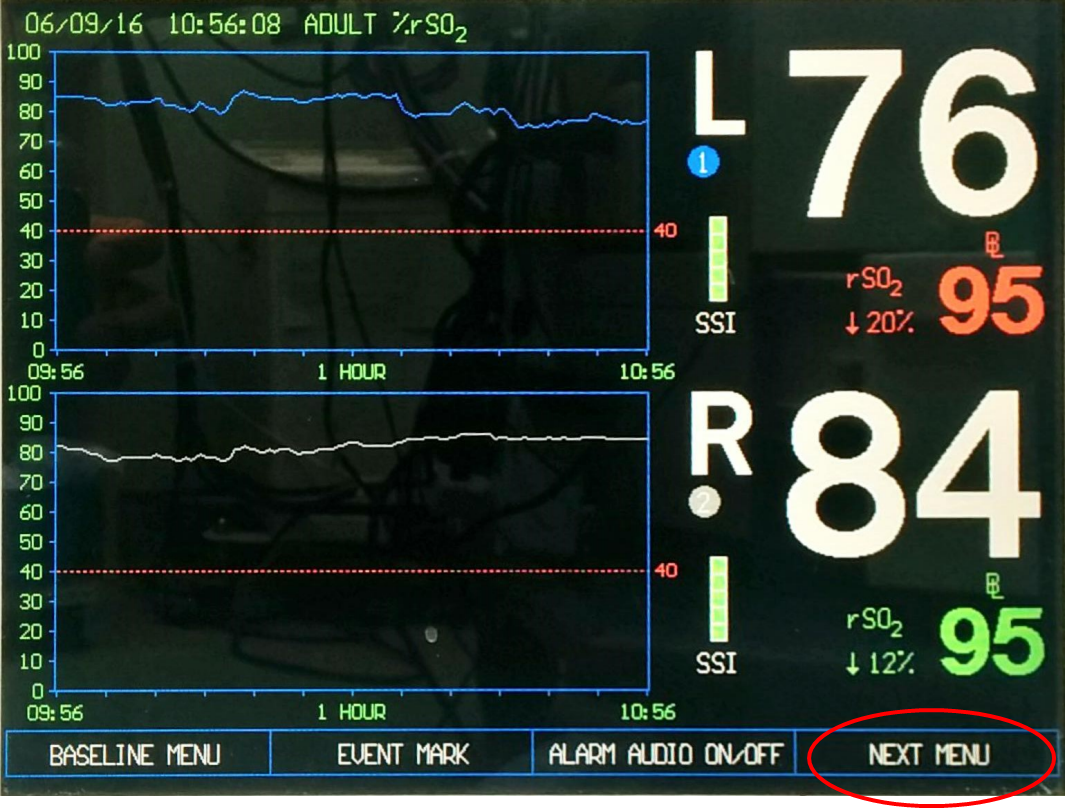
Medtronic INVOS Cerebral/Somatic Oximetry
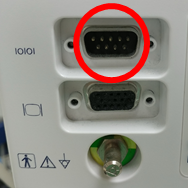
Note: The INVOS RS-232 port is male-type — an F/F adapter is required.
| Cable | Adapter | Port | VR Device Name |
|---|---|---|---|
| Direct Serial | Null Modem F/F | \|O\|O\| port (male connector) | Invos |
Connection Steps
- Attach a Null Modem (F/F) adapter to the
|O|O|male port on the rear. - Connect a direct serial cable from the adapter to the PC via USB-Serial converter.
Device Configuration
- Press Next Menu → Output Select → Digital Output → PC Link → OUTPUT FORMAT 1.