BlinkDC TwitchView
Note: When docked in the Charging Station, data is output via the RJ45 connector at the bottom of the device.
| Cable | Adapter | Port | VR Device Name |
|---|---|---|---|
| Custom cable (USB-Serial converter with special wiring) | None | RJ45 — bottom of device (when docked) | TwitchView |
Connection Steps
- Dock the monitor in the Charging Station.
- Build the custom cable per the wiring diagram.
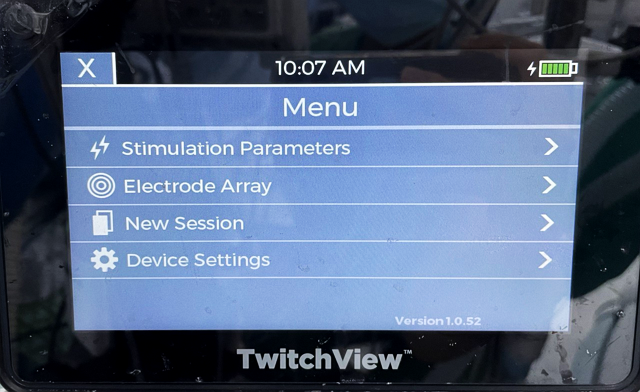
- Connect the RJ45 end to the bottom of the docked monitor → USB end to PC.
Device Configuration
- Enter the configuration code to access settings menu.
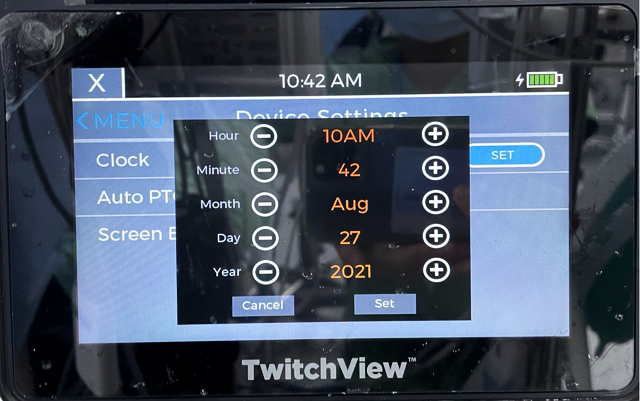
- Press Clock → SET. Set clock to: Hour 1AM, Minute 2, Month March, Day 4, Year 2018 → Set.
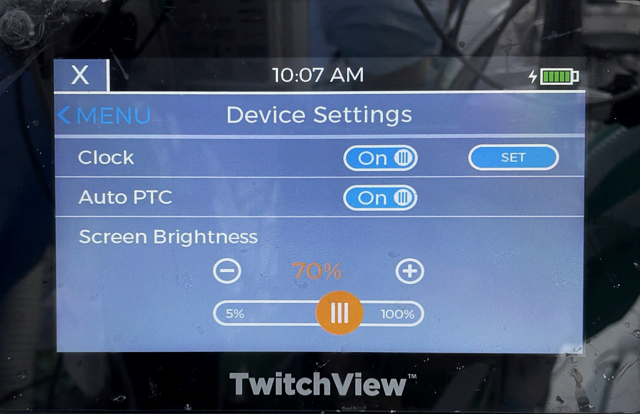
- Select Serial → Set.