Masimo ROOT
⚠️ Compatible USB-Serial converters are limited. Confirmed working: NEXT USB 2.0 to SERIAL converter [NEXT-RS232U20]. Purchase link Complete device configuration BEFORE connecting cables.
| Cable | Adapter | Port | USB Baud Rate | Output Protocol | VR Device Name |
|---|---|---|---|---|---|
| Masimo USB data cable (preferred) | None | USB1 or USB2 | 19200 | ASCII 1 | Root |
Rainbow Sensor: Always turn on Radical-7 first, then turn on ROOT. If only ROOT is on: turn off ROOT → turn on Radical-7 → turn on ROOT.
Device Configuration
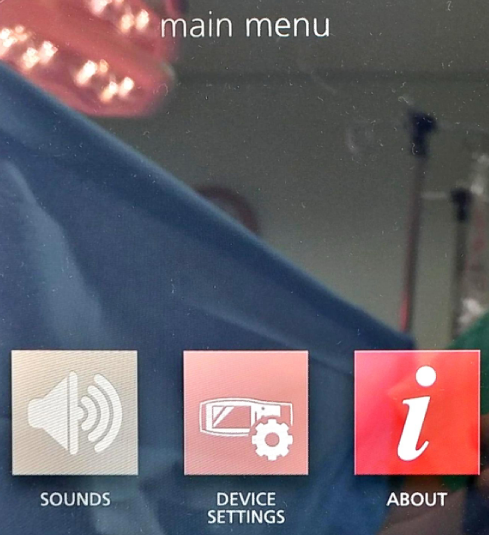
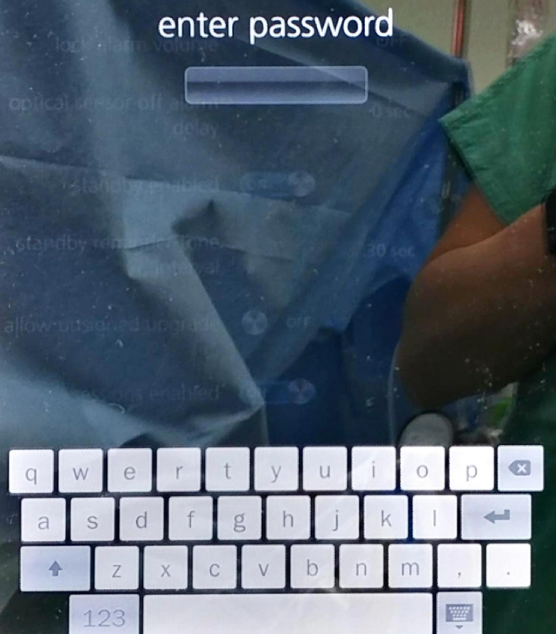
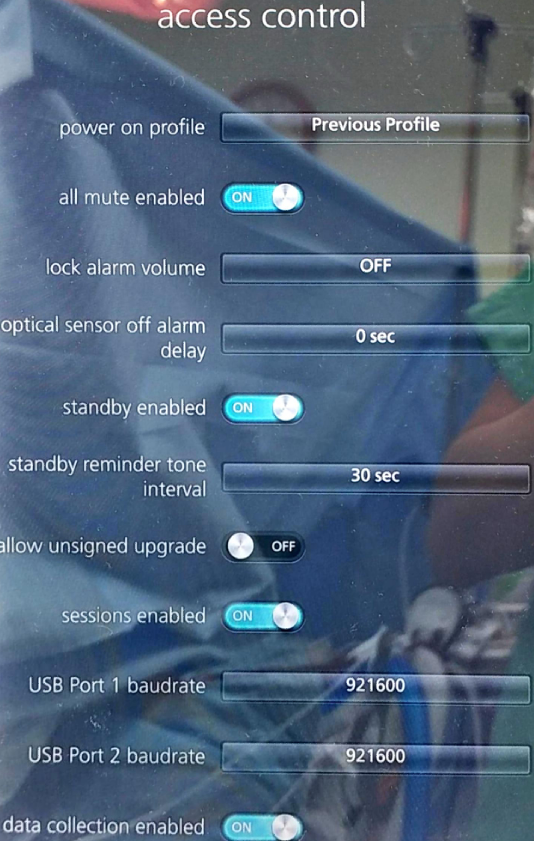
- Navigate to DEVICE SETTINGS → ACCESS CONTROL. Enter password
6274.
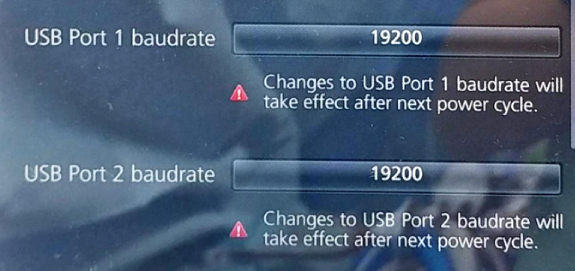
- Set USB Port 1 baudrate and USB Port 2 baudrate → 19200.
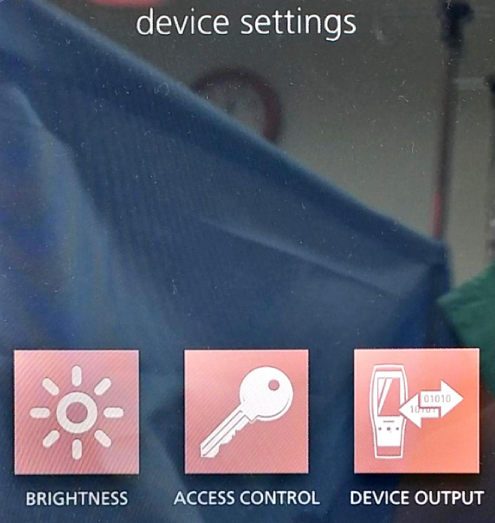
- Navigate back → DEVICE OUTPUT.
- Set USB Port 1 and USB Port 2 → ASCII 1.
- Hold power button (bottom right, >8 seconds) to power off → power on again.
Connection Steps
- Using Masimo USB data cable: Plug into USB1 or USB2 on rear → connect to PC.
- Without Masimo cable:
ROOT USB1/2→ USB-Serial converter → Null Modem (F/F) → Serial-to-USB → PC.
In Vital Recorder, press Add Device → Masimo ROOT → assign to the new COM port.
PiVR Ethernet Connection (Optional):
- Navigate to Device Settings → ETHERNET → ETHERNET ON.
- Connect a LAN cable from the LAN port on the rear of ROOT to the LAN port of PiVR.