BBraun SpaceCom
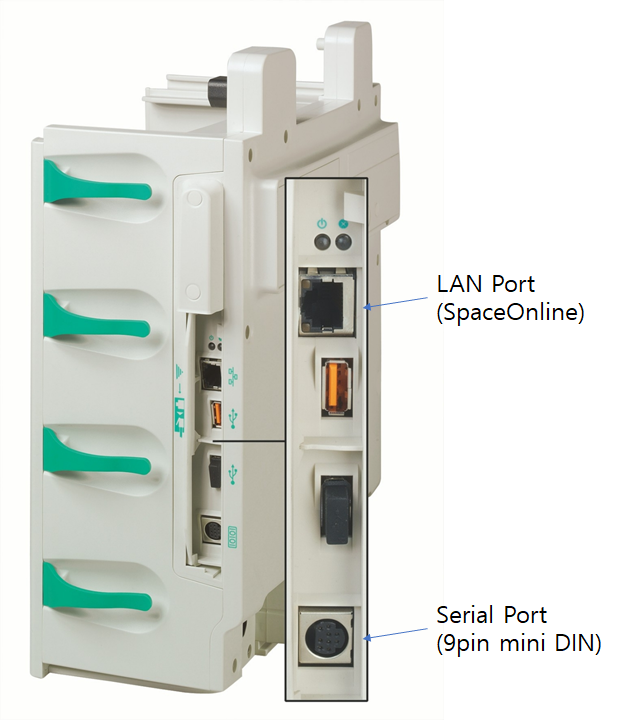
Note: Configured via a web interface (SpaceOnline) over direct LAN connection.
| Cable | Adapter | Port | VR Device Name |
|---|---|---|---|
| Custom 9-pin Mini-DIN ↔ DB-9F | None | Mini-DIN port | SpaceCom |
Connection Steps
- Fabricate a cable: Mini-DIN pins 2, 3, 5 → DB-9F pins 3, 2, 5.
- Connect to the SpaceCom and to the PC via USB-Serial converter.
Device Configuration
- Connect SpaceCom to PC with a direct LAN cable. Set PC IP:
192.168.100.42/ Subnet:255.255.255.0/ Gateway:192.168.100.1. - Open browser →
192.168.100.41→ login:config/config.
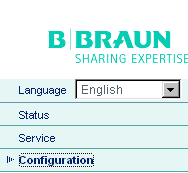
- Navigate to BCC Protocol settings and configure as shown.
- Press Save.