Fresenius Vial Orchestra (Base Primea with Module DPS)
⚠️ A cross (M/F Cross Gender) adapter is required. Connecting a direct cable causes incorrect communication or hardware damage.
| Cable | Adapter | Port | Protocol | VR Device Name |
|---|---|---|---|---|
| Direct Serial | Null Modem M/F | RS 232-3 — rightmost of three serial ports (Base Primea) | IDMS | Orchestra |
Connection Steps
- Attach a Null Modem (M/F) to the RS 232-3 port (rightmost).
- Connect a direct serial cable to the PC via USB-Serial converter.
Device Configuration
- Power off. Hold top blue button + mute button + power button simultaneously → enter service mode.
- Press the fourth blue button → "Serial & ...".
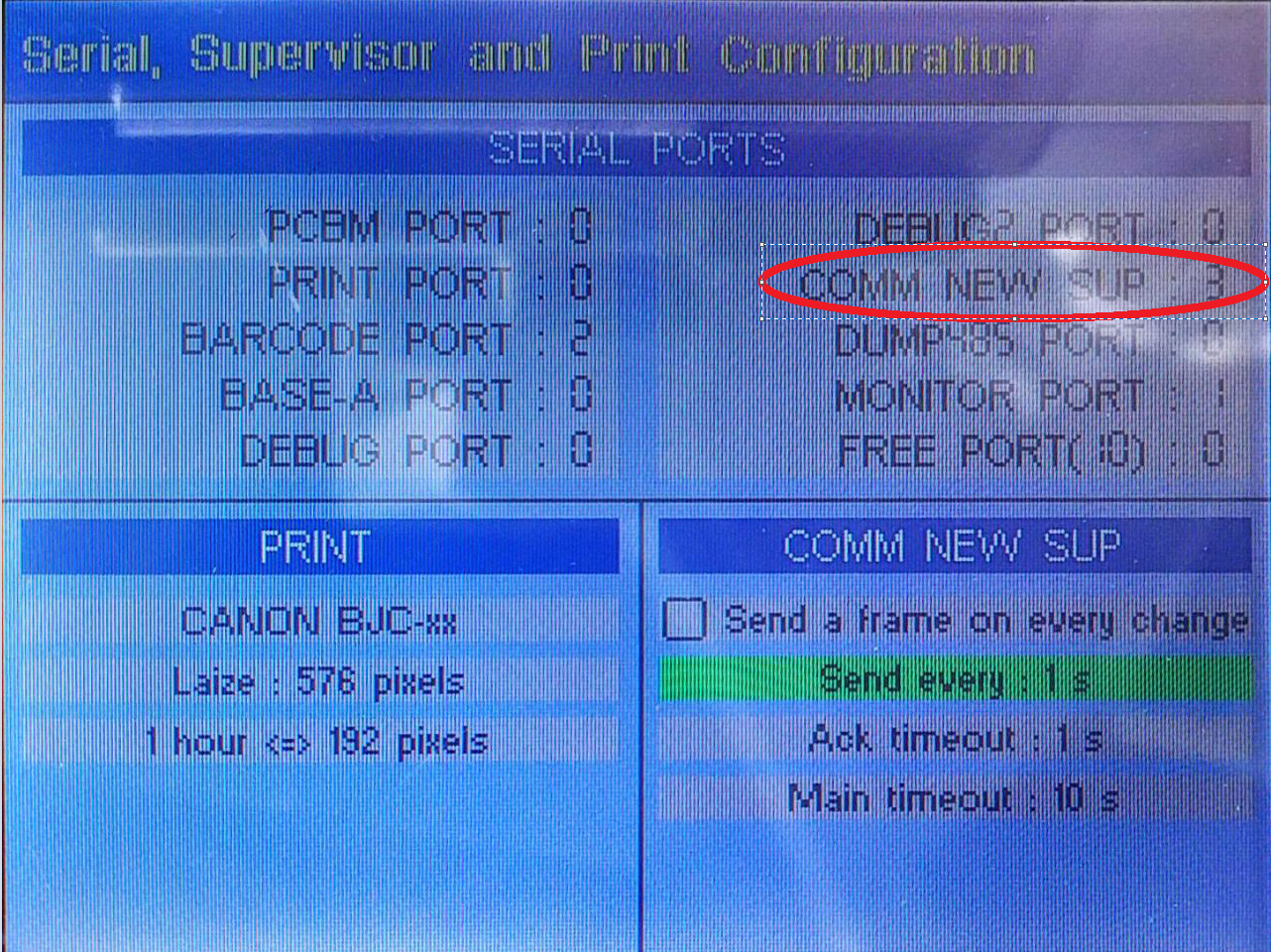
- In SERIAL PORTS, select COM NEW SUP (second item, upper right) via jog dial → select 3.
- Uncheck "Send a frame on every change" for COMM NEW SUP. Set "Send every" → 1s.
- Power off → power on → press OPT button (lower right).
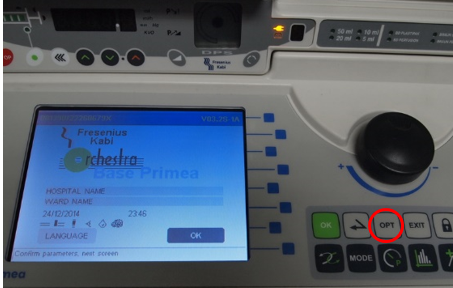
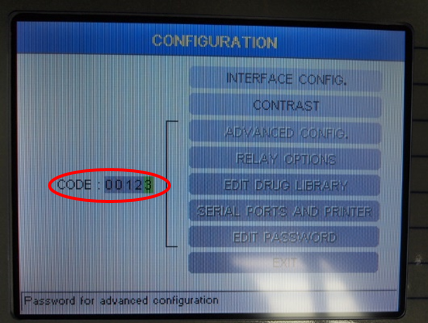
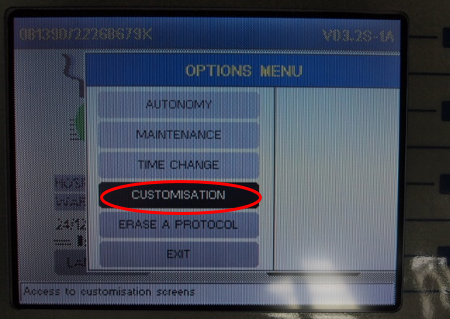
- Select CUSTOMIZATION → CODE →
00123.
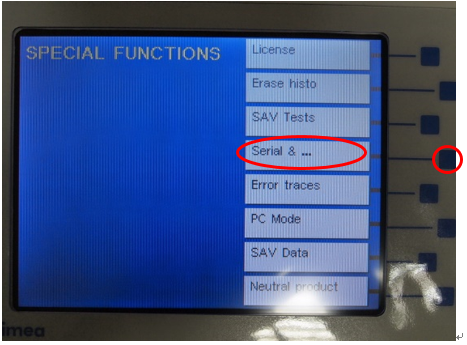
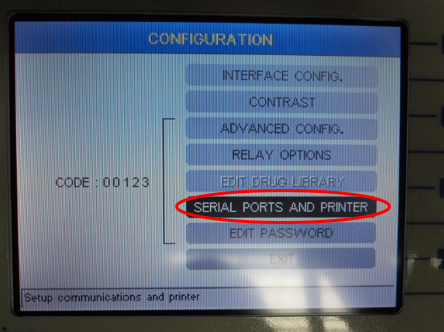
- Select SERIAL PORTS AND PRINTER → RS-232-3 → IDMS.
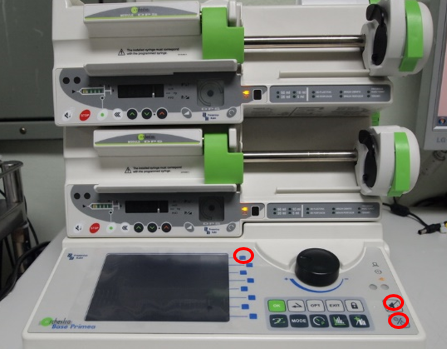
- Confirm RS 232-3 = IDMS → save and exit → power cycle.