Deltex CardioQ
⚠️ Settings cannot be changed while the device is in use on a patient. Configure using DEMO mode before patient connection.
| Cable | Adapter | Port | VR Device Name |
|---|---|---|---|
| Direct Serial | Null Modem F/F | Male serial port | CardioQ |
Connection Steps
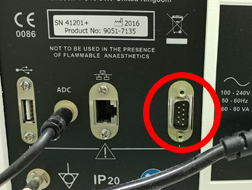
- Attach a Null Modem (F/F) to the rear male serial port.
- Connect a direct serial cable to the PC via USB-Serial converter.
Device Configuration
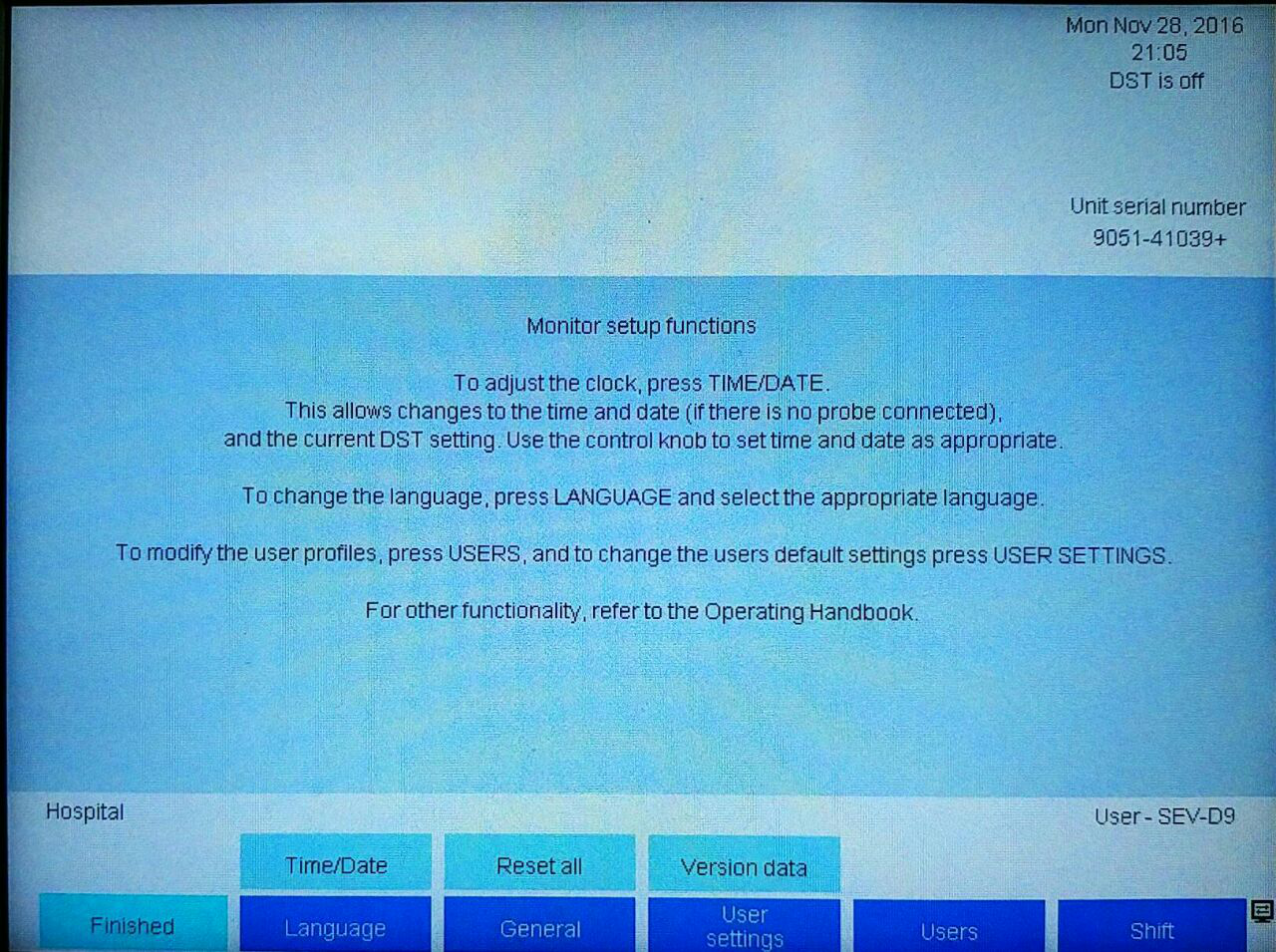
- At boot, navigate to General → Patient Monitors → Monitor Setup.
- Select CardioQ Serial Protocol v2.
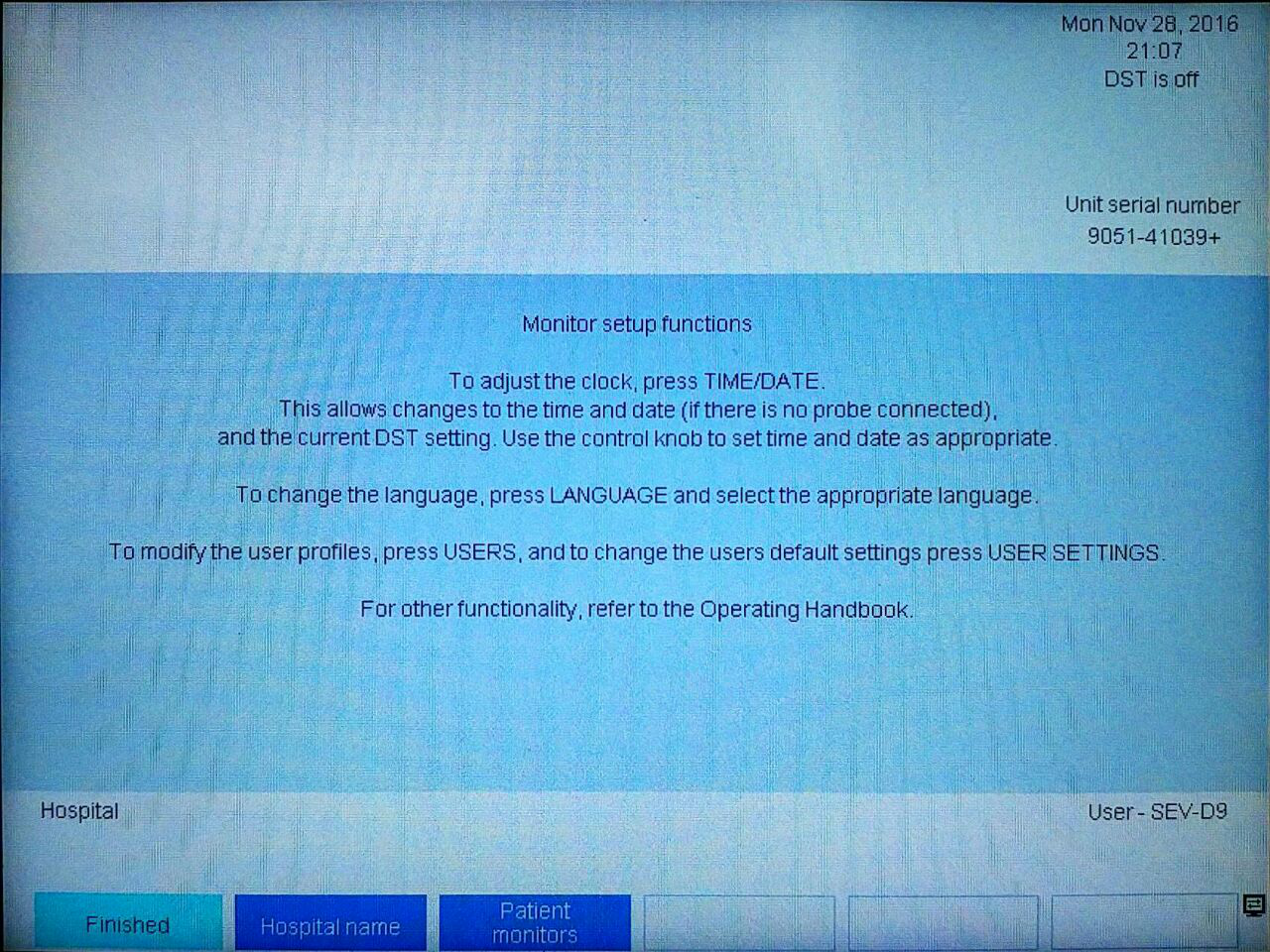
- Verify Baud Rate = 57600 and Flow Control = No Flow Control → Finished.
- Verify data transmission in DEMO mode before patient connection.