Medtronic BIS A2000
Note: Supports 2-channel 256Hz EEG acquisition. Similar to BIS VISTA.
| Cable | Adapter | Port | Protocol | VR Device Name |
|---|---|---|---|---|
| Direct Serial | None | 9-pin port | Binary | A2000 |
Connection Steps
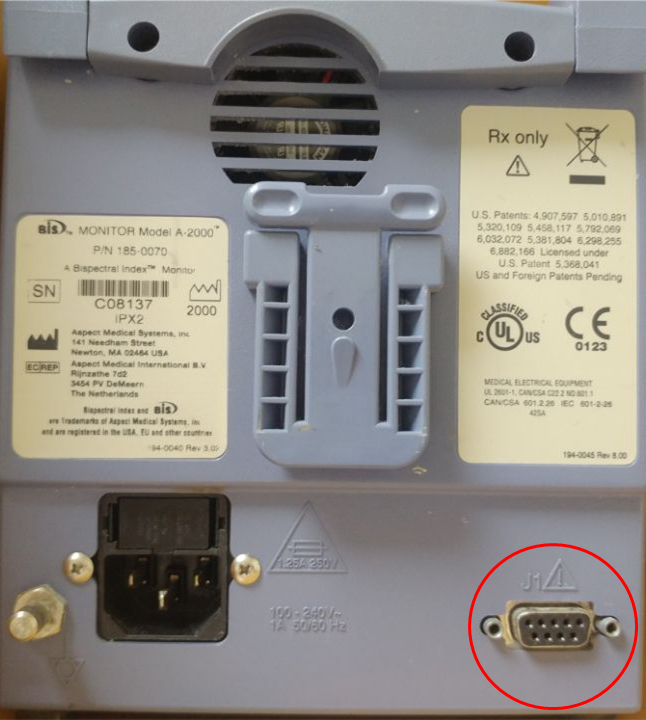
- Connect a direct serial cable to the 9-pin port on the rear.
- Connect the other end to the PC via USB-Serial converter.
Device Configuration
- Press Menu → Advanced Setup → Diagnostic Menu → System Configuration Menu.
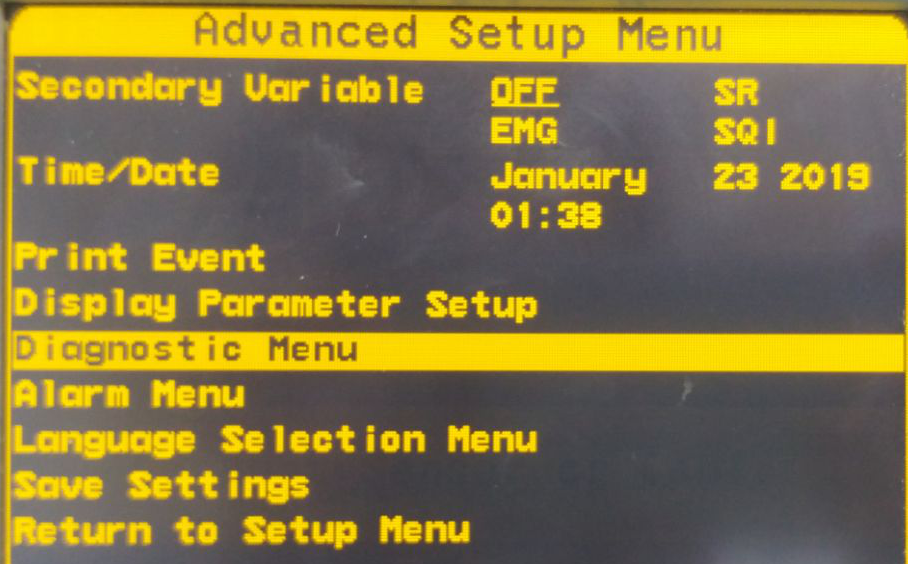
- Under Serial Port Protocol, select Binary.
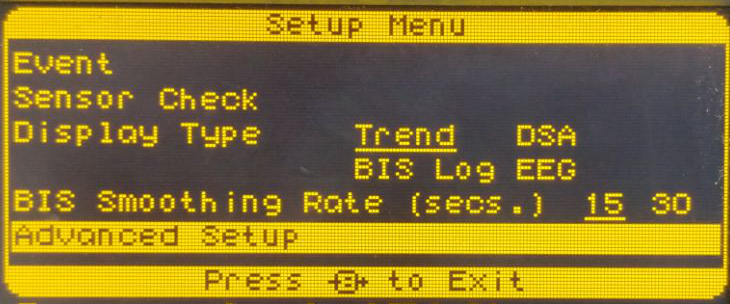
- Press Return To Diagnostic Menu → Return to Advanced Setup Menu → Save Settings.