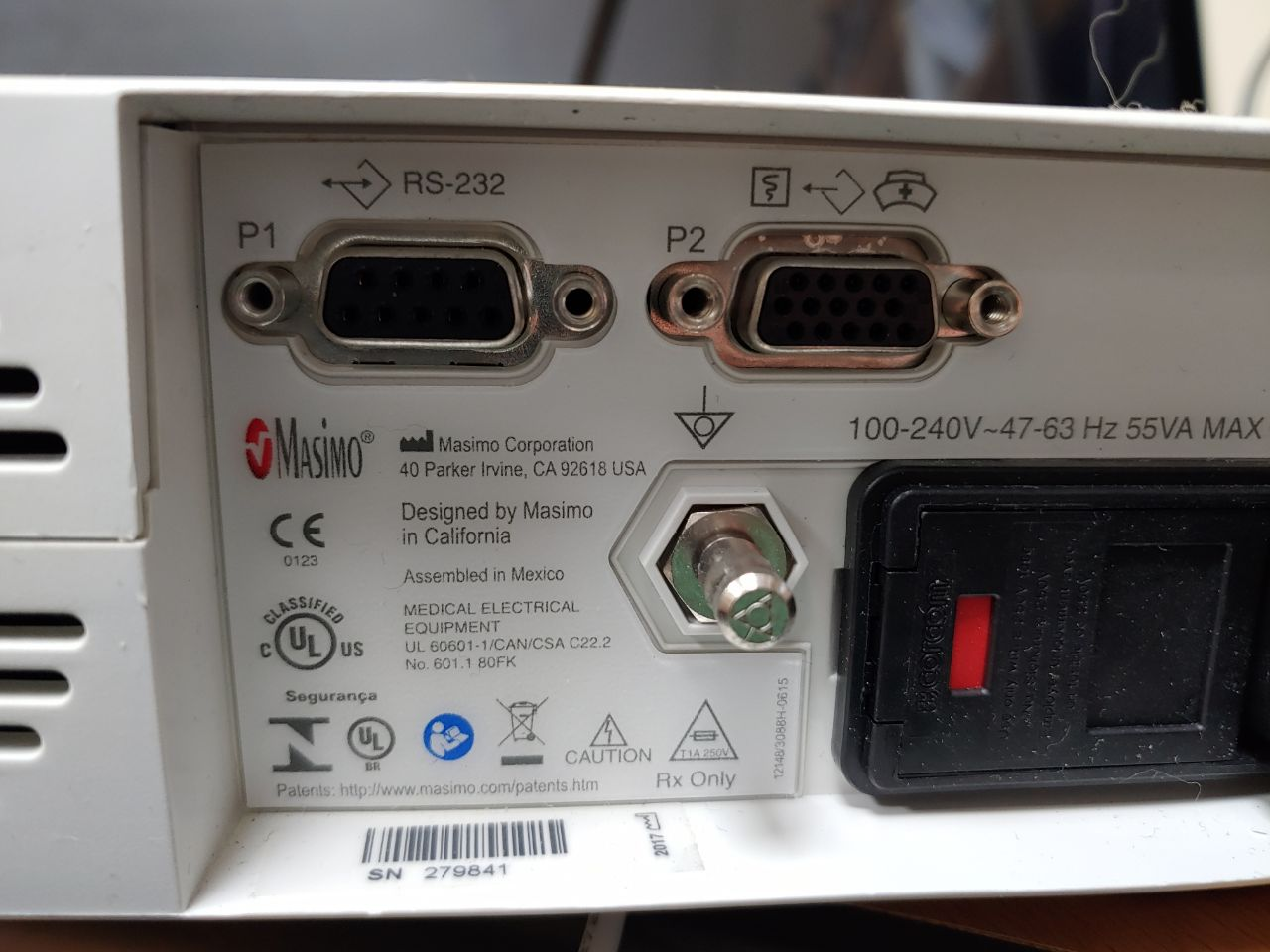
Connect a direct serial cable to P1 (RS-232) on the rear of the Docking Station.
Connect a direct serial cable from P1 to the PC's serial port. A USB-Serial converter can also be plugged straight into P1 — no Null Modem adapter is required.
Confirm that the handheld is fully docked before recording.
Device Configuration
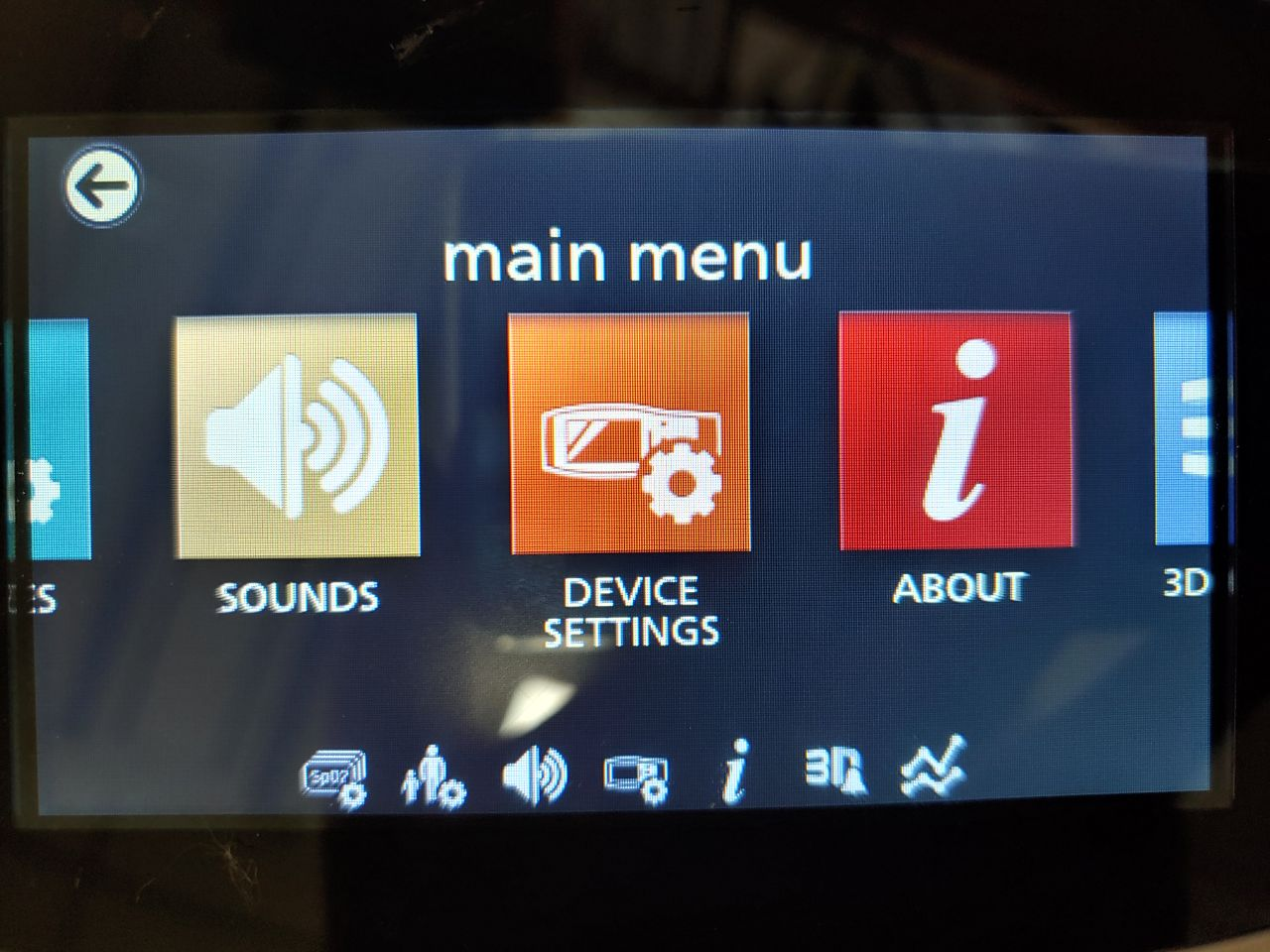
From the main menu, select DEVICE SETTINGS.
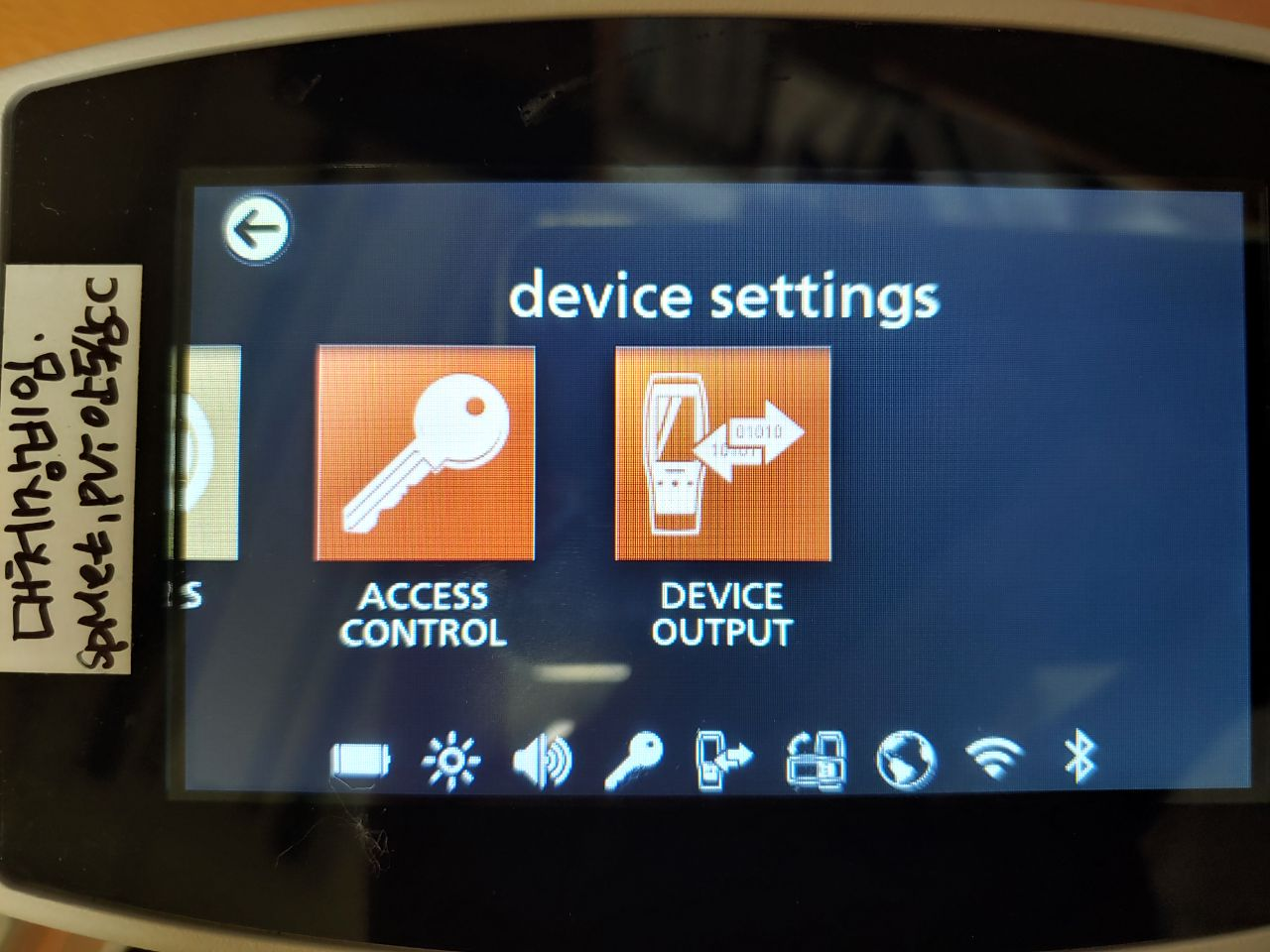
The device settings screen offers ACCESS CONTROL and DEVICE OUTPUT. Select DEVICE OUTPUT.
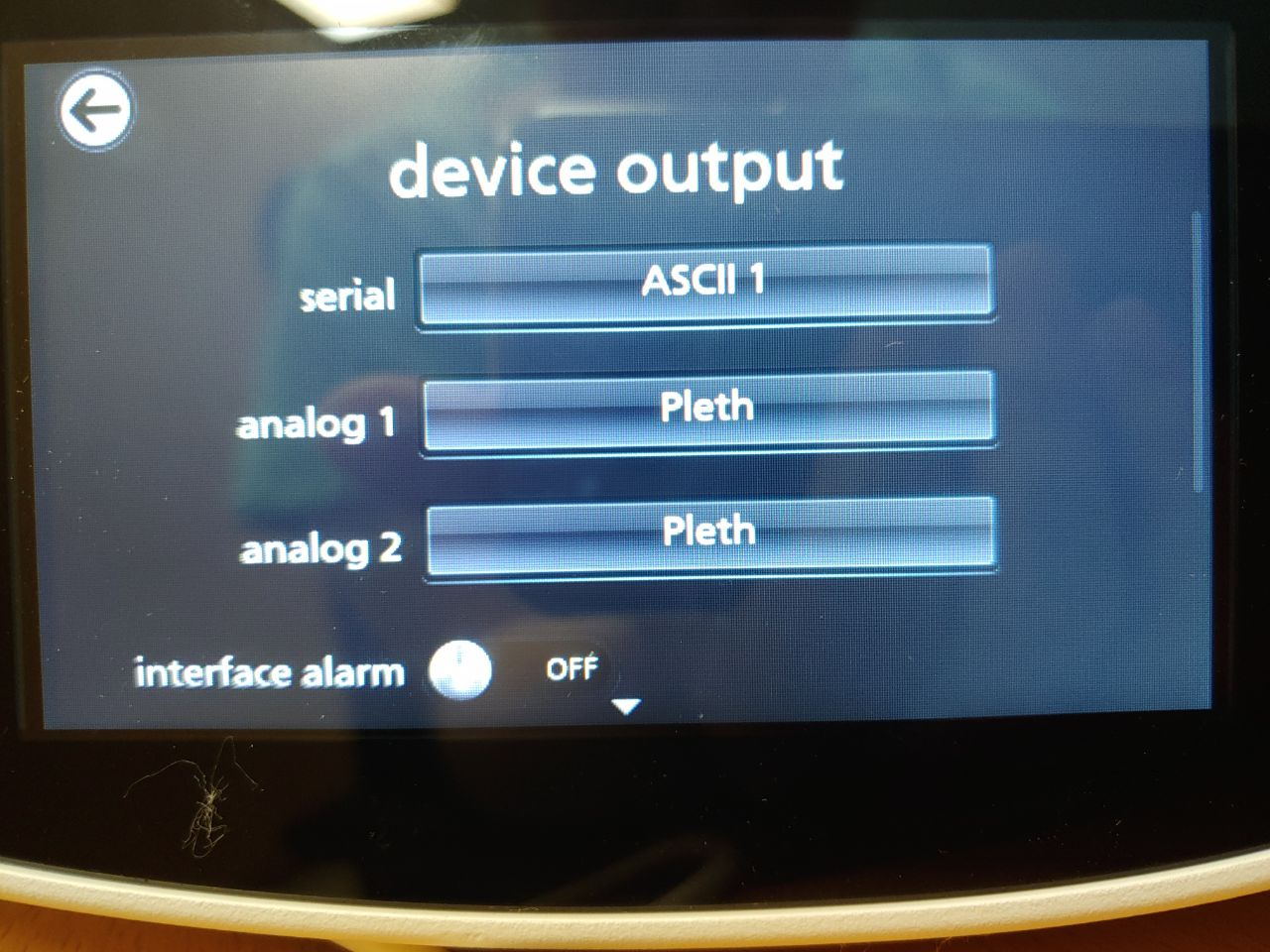
Set serial → ASCII 1, and analog 1 and analog 2 → Pleth.
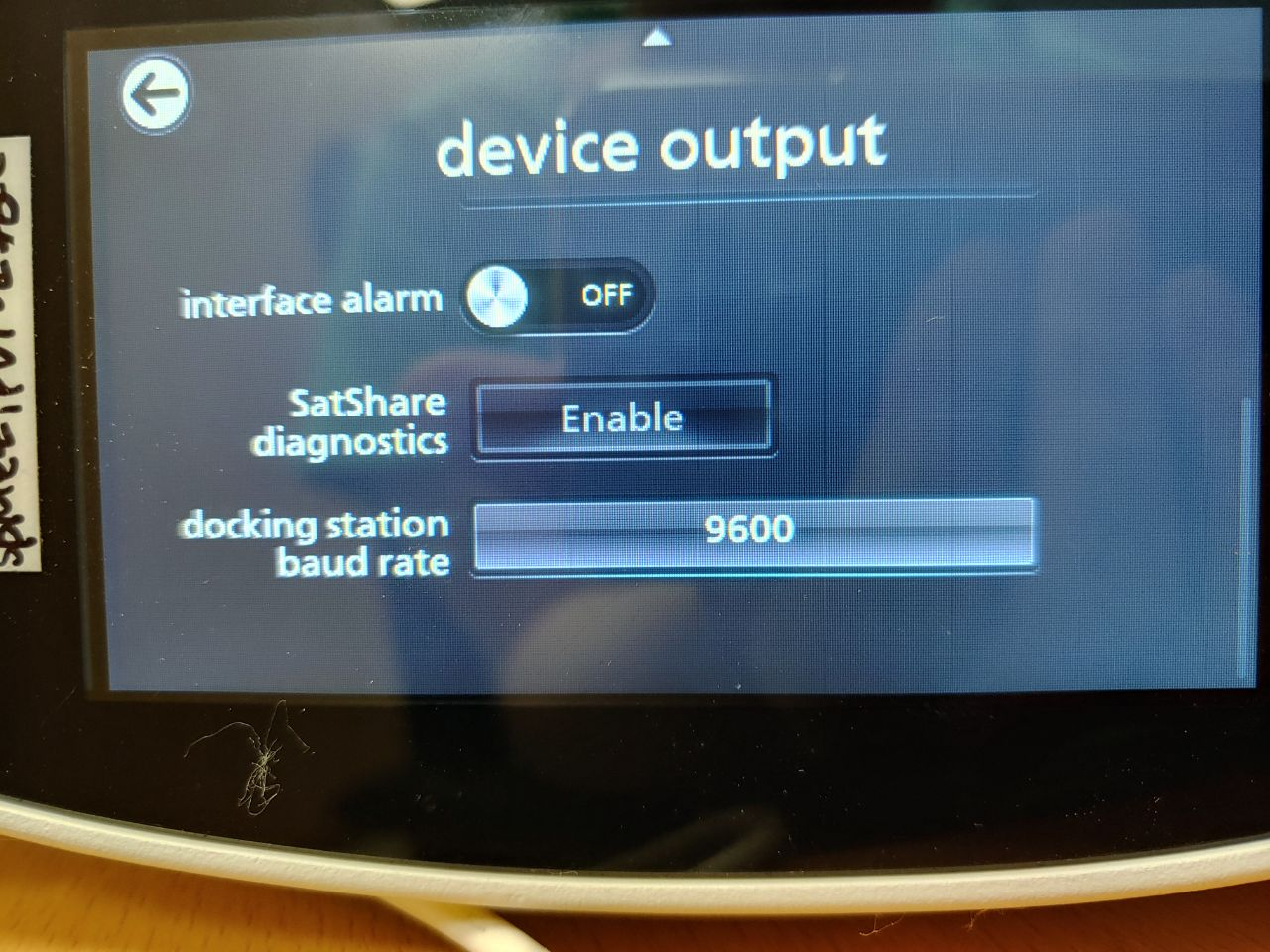
Scroll down and set docking station baud rate → 9600. SatShare diagnostics may be left Enable.
Serial: 9600 baud, 8 data bits, No parity, 1 stop bit, no handshaking (RS-232)