MDMS ANI Monitor V2
Note: After installing the sensor, press "New Patient" and wait approximately one minute for the initialization screen before connecting.
| Cable | Adapter | Port | VR Device Name |
|---|---|---|---|
| NEXT USB 2.0 to SERIAL [NEXT-RS232U20] | None | Serial port (right side) | ANIMonitor2 |
Connection Steps
- Install the sensor → press New Patient → wait ~1 minute.
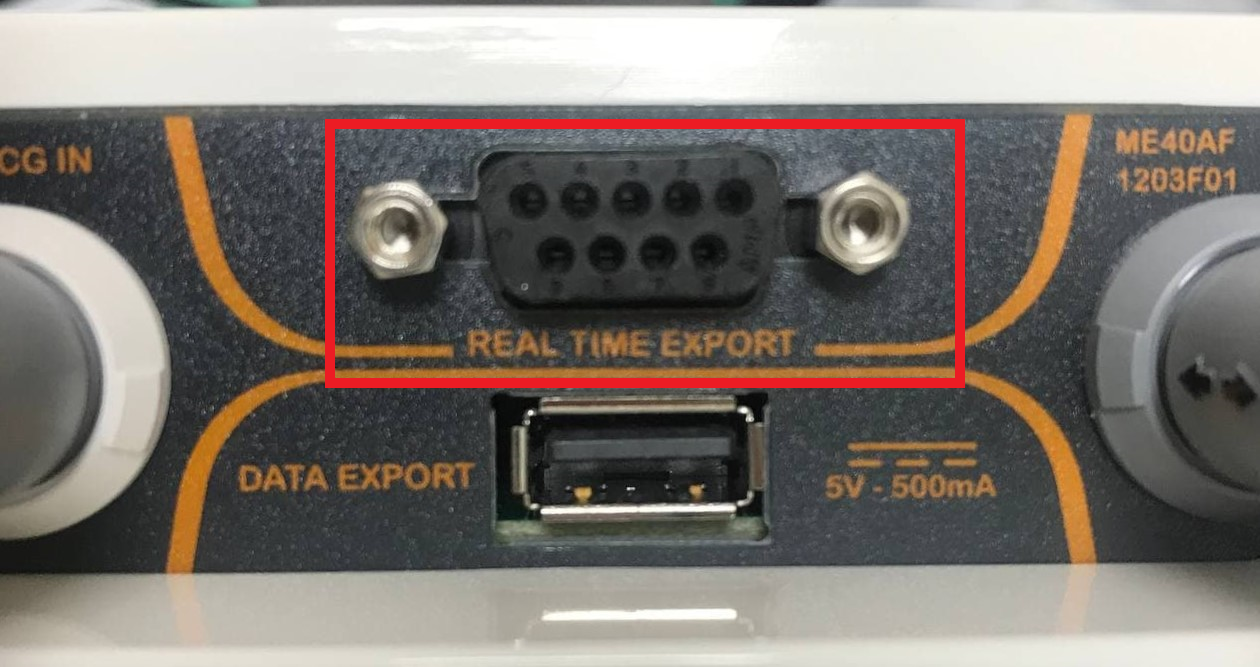
- Connect NEXT-RS232U20 to the serial port on the right side of the device.
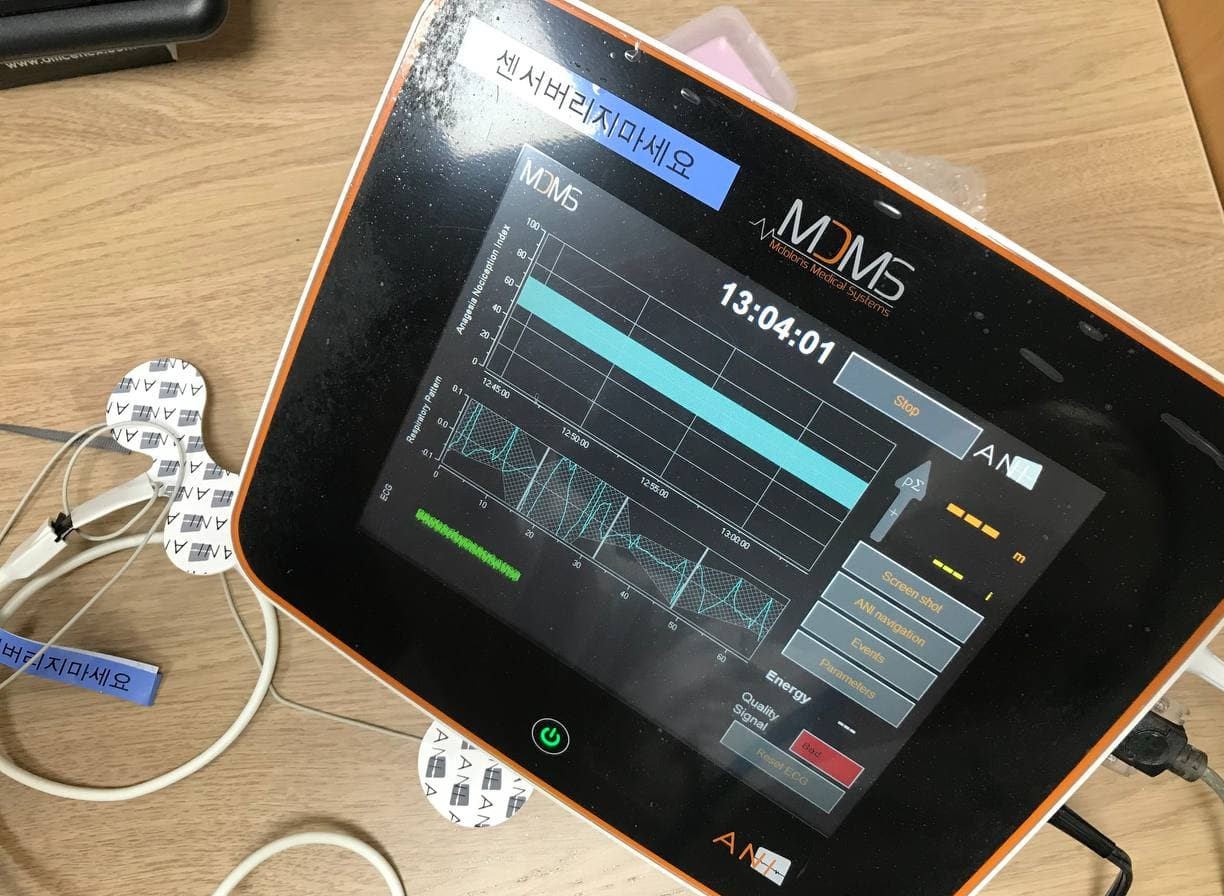
- Connect the USB end to the PC.